
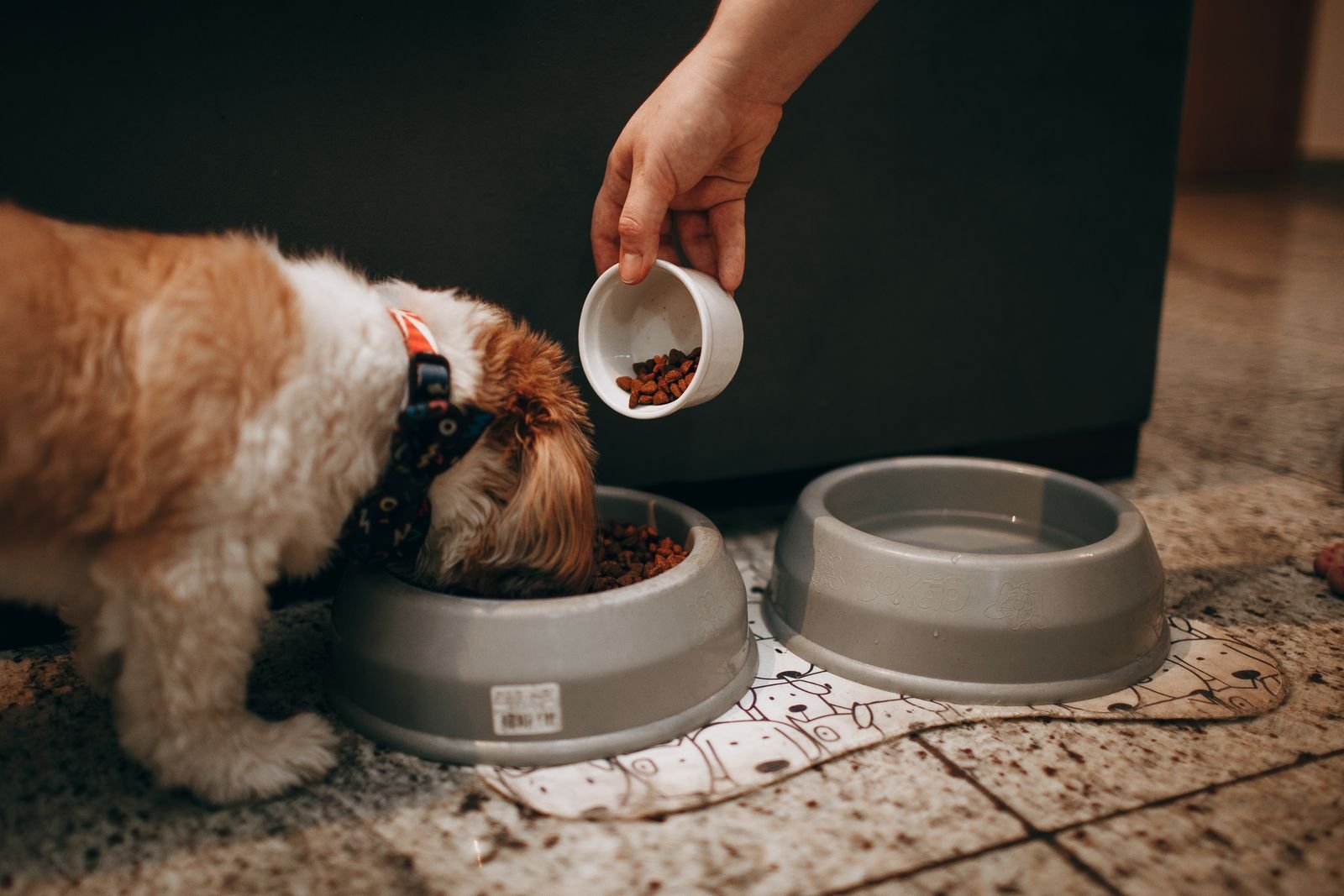
The feeding chart on the back of a food bag is a starting point, not an answer – it’s written for an average pet at that weight, and most pets aren’t average. Age, whether they’re neutered, activity level, and the specific food’s calorie density all change the real number. Rather than guess, the calculator below works out an estimate based on your pet’s actual details, in either US (lb/cups) or Metric (kg/grams) – built to work for readers everywhere, not just one market.
Use the Calculator
How Much Should You Feed Your Pet?
Works in both US (lb / cups) and Metric (kg / grams) – pick whichever your pet’s food label uses.
Estimated Daily Feeding Amount
How the Numbers Work
The calculator uses the same formula vets and animal nutritionists use (RER/MER, from WSAVA and AAHA nutrition guidelines), not a rough rule of thumb:
- RER - Resting Energy Requirement - the calories your pet's body needs at complete rest, based on their weight.
- MER - Maintenance Energy Requirement - RER adjusted for life stage and activity (a puppy or an active dog needs meaningfully more than a sedentary neutered adult).
- Converting to food amount - MER divided by your specific food's calorie density (kcal per cup, or kcal per 100g) gives the actual amount to feed - which is why the same body weight can mean very different cup or gram amounts depending on the food.
Worth knowing: individual pets can vary by up to 50% from these estimates. Treat the result as a solid starting point, then adjust up or down based on your pet's actual body condition - and check in with your vet for puppies, kittens, pregnant or nursing pets, or any medical condition.
Getting an Accurate Result
- Calorie density - found on the food bag or the brand's website, usually listed as "kcal/cup" or "kcal ME/kg" - this number varies a lot between brands, so don't reuse an old figure after switching foods.
- When to redo it - recalculate after any spay/neuter (metabolism drops), a growth milestone, a big activity change, or a noticeable weight change - the number isn't a one-time setting.
- Measuring accurately - a kitchen scale or a proper measuring cup (not a random mug) makes a bigger difference to accuracy than most owners expect - see our automatic feeder review for a tool that measures portions consistently every time.
Getting the Amount Right, Day to Day
- Meal frequency - splitting the daily total across 2-3 meals rather than one large one is generally easier on digestion and helps curb begging between meals.
- Switching food types - if you're weighing between dry kibble and something like fresh food delivery, see our fresh dog food subscription review for how the calculation differs with wetter, less calorie-dense food.
- Tracking weight over time - monthly weigh-ins catch a drifting portion size before it becomes a real weight problem - small, gradual changes are much easier to correct early.
Final Note
This calculator gives a genuinely useful starting number, in whichever units your food label uses - but it's an estimate, not a prescription. If your pet is already at a healthy weight and doing well on their current amount, that's a better guide than any formula. And if the number it gives you means a proper diet food rather than just a smaller portion, our roundup of the best high-fiber and weight management dog foods covers the options worth buying.